Where merge tags stop helping
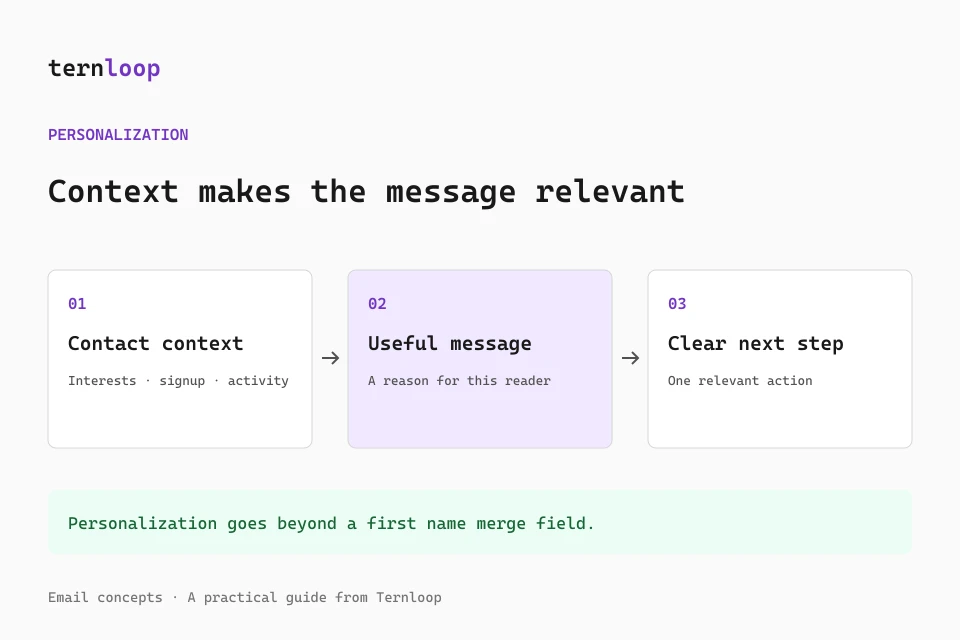
A merge field can add a first name or company name to an email. It cannot explain why a message matters to a particular reader. When every recipient gets the same copy with a few blanks filled in, a campaign can still feel generic.
Useful personalization begins with relevant context: what a person signed up for, which product they use, or what they asked to hear about. The goal is not to mention every detail. It is to make the message useful for that reader.
Start with clean contact data
Custom fields and groups give a newsletter team a simple way to organize that context. Import contacts from a CSV, map the columns you want to keep, and group people by the reason they joined or the updates they requested.
Keep fields accurate and collect only information that supports the email. A short, relevant campaign is easier to read and easier to maintain than a message packed with personal details.
Review before you send
Personalized content still needs a human review. Check the subject, body, links, and preview for each audience before you send or schedule the campaign. Send a test email to confirm the message looks right on a phone and desktop.
After sending, use delivery and engagement results to guide the next campaign. Opens and clicks are signals, not a complete picture of what every subscriber thinks. Combine them with replies, unsubscribes, and the expectations people had when they joined your list.